How Instagram comment-to-DM automation works
Turn a clear keyword in an Instagram comment into a helpful public reply and a private message, without manually watching every post.
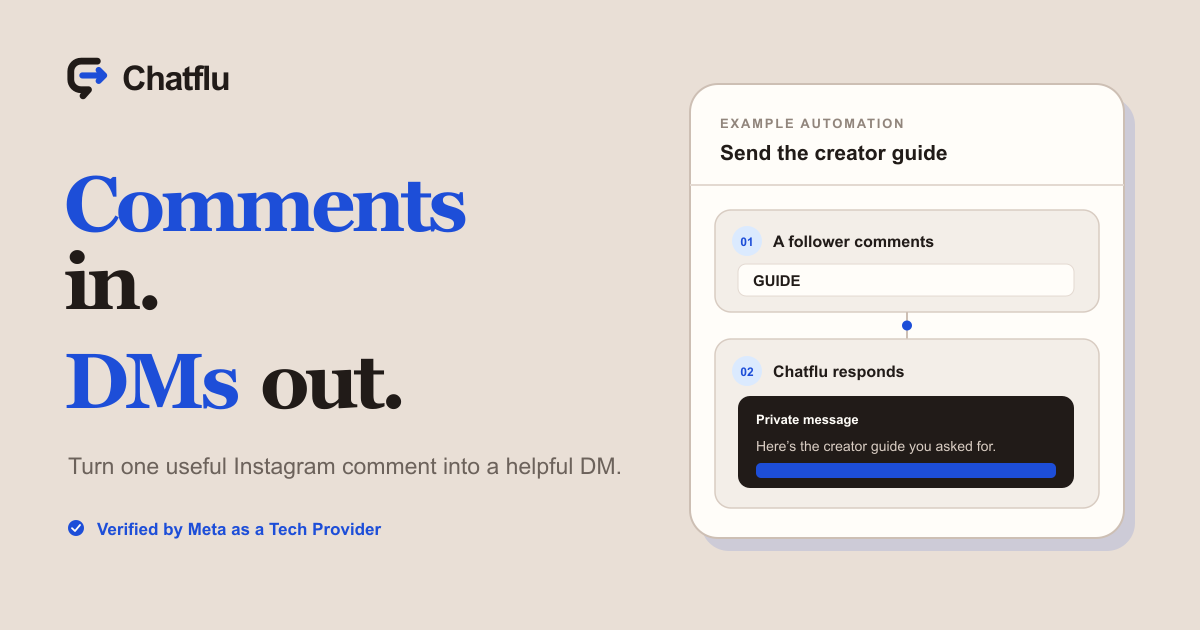
One useful request, handled instantly.
A comment-to-DM automation watches a selected Instagram post or Reel for a word or phrase. When it finds a match, it can acknowledge the comment publicly and send one private reply.
A person asks for something in a comment. Your automation acknowledges them and delivers it privately.
From “GUIDE” to the guide.
The public comment starts the journey. The useful part arrives in a private message, where a link is easier to open and keep.
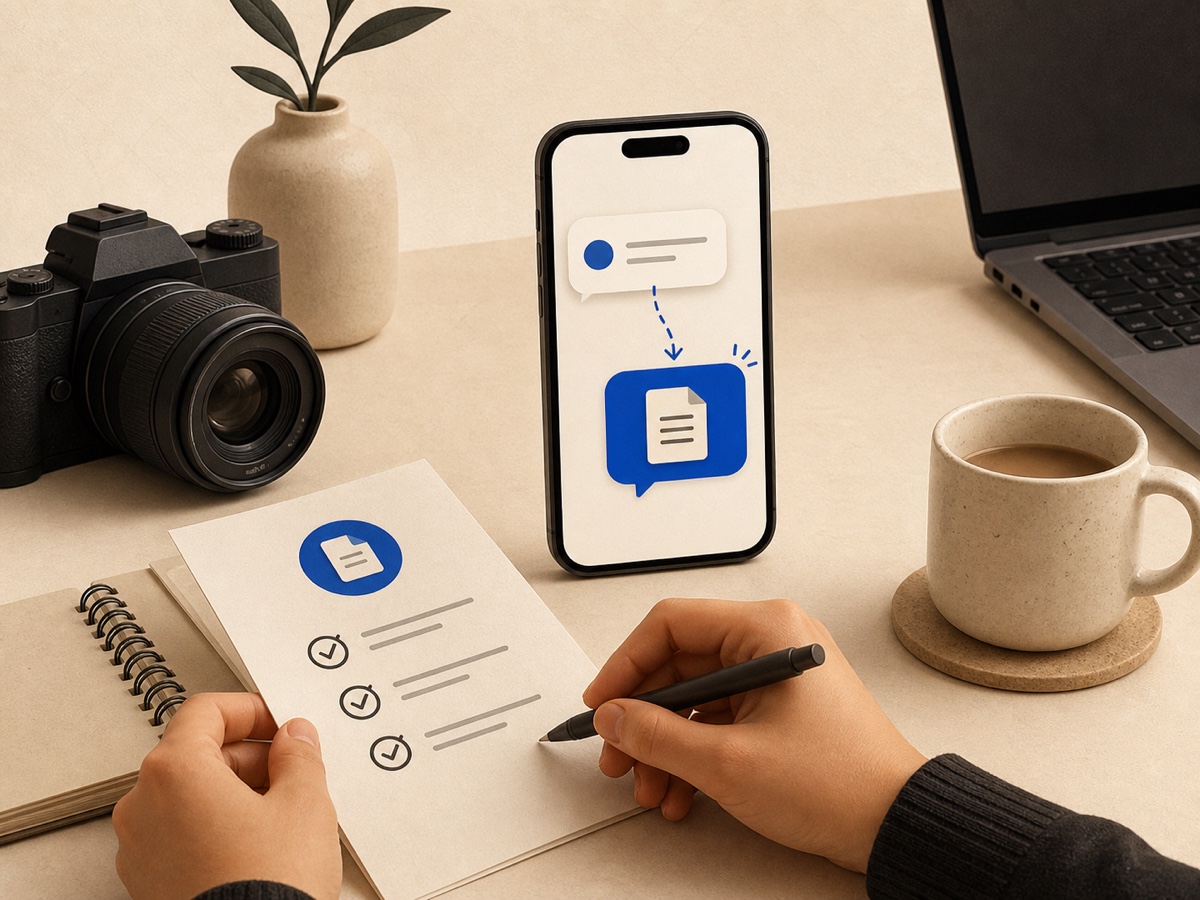
They use a trigger such as GUIDE, PRICE, or MENU.
The selected post and keywords determine when the automation runs.
An optional public response and one private reply complete the journey.
Build the journey in five decisions.
Start with the promise in your post. Every setting should help deliver that promise clearly.
- Connect your Instagram account.Authorize a supported business or creator account through Instagram.
- Choose a post or Reel.Pick the content where people will be invited to comment.
- Add the trigger words.Use short, memorable words that match the call to action.
- Write the responses.Choose a public acknowledgment, then add the private message and optional link button.
- Review, publish, and test.Leave a real test comment and check the complete mobile journey.
Use it when the next step is clear.
The strongest automations answer a specific request. These are three practical patterns worth copying.
Send a guide or checklist
Invite people to comment GUIDE, then deliver the resource privately while their interest is fresh.
Share product details
Use DETAILS or PRICE to send specifications, availability, or a product page without filling the comments with links.
Answer a repeated question
Turn a common question into a clear next step using a memorable keyword such as BOOK or MENU.
Make it feel helpful, not automated.
- Set one clear expectation. Say exactly what the person will receive.
- Use a specific trigger. GUIDE is easier to remember than a long phrase.
- Keep the public reply natural. A short acknowledgment is enough.
- Deliver the promise immediately. Put the requested resource in the private reply.
- Test every link. Check the mobile journey before promoting the post.
Using an official API does not guarantee that an account can never be restricted. You remain responsible for your content and for following Instagram's policies.
Before you connect.
Do comment-to-DM automations work with personal Instagram accounts?
Chatflu is built for supported Instagram professional accounts, including business and creator accounts. A personal account needs to be changed to a supported professional account before it can be connected.
Does Chatflu need my Instagram password?
No. You connect through Instagram's authorization flow. You do not type or share your Instagram password with Chatflu.
Can the private message include a link?
Yes. A Chatflu private reply can include an optional link button, which is useful for guides, product pages, booking pages, and other requested resources.
Build your first comment-to-DM automation.
Chatflu is free to use and does not require a payment card.
Start free
GUIDE
Reply · now